
Terabox Premium

Images



Related apps




Description
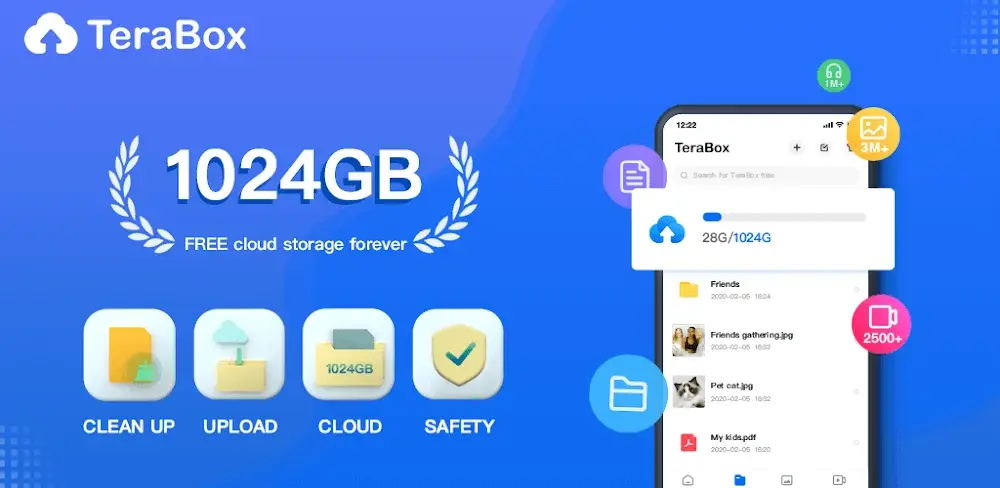
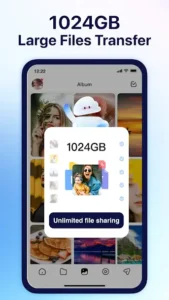
Most cloud storage apps give you 5GB or 15GB and then hit you with a paywall the moment you try to back up something real. TeraBox skips that game entirely. It hands you 1,000GB from day one, which is more than enough for photos, videos, game files, APKs, documents, and whatever else you’re hoarding on your phone.
Table of Contents
What TeraBox actually is
TeraBox is a cloud storage and file management app built by Flextech Inc. It’s available on Android, iOS, and desktop, and it’s been downloaded over 100 million times on Google Play alone.
The core pitch is simple. You sign up, get 1TB of storage, and start uploading. Photos, videos, APK files, compressed archives, anything. It syncs across devices, so a file you upload from your phone shows up on your PC browser without you doing anything extra.
It’s not trying to be Google Drive or Dropbox. The 1TB free tier is the product. Everything else is just what makes that storage useful.
1TB free storage: what that actually means in practice
To put 1TB in context: a typical smartphone photo is about 3-5MB. A 1TB account holds roughly 200,000 of them.
A 4K video file runs about 2GB per hour. You’re looking at 500 hours of 4K footage before you hit the limit. Most people never get close.
For gamers and APK collectors, it’s even more useful. A 2GB APK file, a few game data folders, some save backups… you can store hundreds of games with room left over. If you’re running a download site, TeraBox works as a solid backend for personal file archiving before you push anything live.
AI features baked into the app
TeraBox has leaned into AI tools over the past couple of years, and the features are actually practical rather than just marketing copy.
The AI photo album automatically organizes your images by scene, face, date, and object. Upload 500 photos and it’ll group them without you touching a thing. Useful if you’re migrating a photo library from your phone or an old device.
There’s also an AI video assistant that lets you search through video content by keyword. Upload a long screen recording or a lecture, and you can find a specific moment without scrubbing through the whole thing manually.
File deduplication runs quietly in the background. It scans your uploads and flags duplicate files, which keeps your storage clean without you manually managing it.
Downloading and sharing files
TeraBox handles both uploads and downloads, which matters if you use it as a sharing tool.
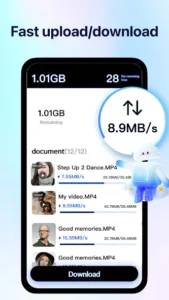
You can generate shareable links for any file or folder. The person on the other end doesn’t need a TeraBox account to download the file. They just click the link. Link expiry and password protection are available on the free plan, which is more than most competitors offer at zero cost.
Download speeds on the free tier are throttled compared to the premium plan. Uploads are generally fine. If you’re using it for personal backups or sharing occasional files, the free speeds are workable. If you’re moving large files constantly, premium makes sense.
Photo and video backup
Automatic backup is one of TeraBox’s better features. Turn it on, and every photo or video you take gets uploaded in the background without you thinking about it.
It backs up full-resolution files by default. Some apps compress your photos to save server space. TeraBox doesn’t do that on the standard setting, so what you upload is what you get back when you restore.
Video backup works the same way. Record something, open TeraBox later, it’s already there. If your phone gets lost or wiped, your media is sitting safe in the cloud.
Privacy and security
TeraBox uses AES-256 encryption for files at rest and TLS encryption during transfer. Those are the same standards used by major enterprise cloud providers.
The app has a private space feature, a separate folder that requires a PIN or biometric unlock. Anything stored there doesn’t appear in the regular file browser. Good for sensitive documents or files you don’t want accessible if someone else picks up your phone.
One thing worth knowing: TeraBox is operated by a Chinese parent company (Flextech, formerly associated with Baidu). Some users have concerns about data jurisdiction. If that matters to you, read their privacy policy before uploading anything sensitive. For general file storage, game APKs, and media backups, most users don’t flag it as an issue.
Free vs premium: what you actually lose on the free plan
The free plan covers 1TB of storage, auto photo backup, file sharing with password protection, and the AI photo organization tools. That’s a lot for zero dollars.
Premium (called TeraBox VIP) adds faster download speeds, higher upload bandwidth, a larger file transfer limit per link, and removes ads. It runs roughly $3-4/month depending on your region.
For most personal use cases, the free plan is plenty. Premium makes sense if you’re sharing large files regularly or notice the download speeds are a bottleneck.
Who should download TeraBox
If you take a lot of photos and videos and hate paying for iCloud or Google One, TeraBox is a straight swap for most of what those services do. 1TB free versus 15GB free. The math is obvious.
If you collect games, APKs, or software and want cloud backups of your library, it’s a solid fit. 1TB holds a serious archive.
If you share files with people who don’t want to sign up for anything, the no-account download links make it genuinely convenient.
And if you’re just tired of running out of storage on every other free cloud app, this one actually solves that problem.
What's new
The image beautification features have been fully upgraded!
Video
Download links
An ad will pop up before the download. Close it, click download again—ads keep us going, thanks!


