
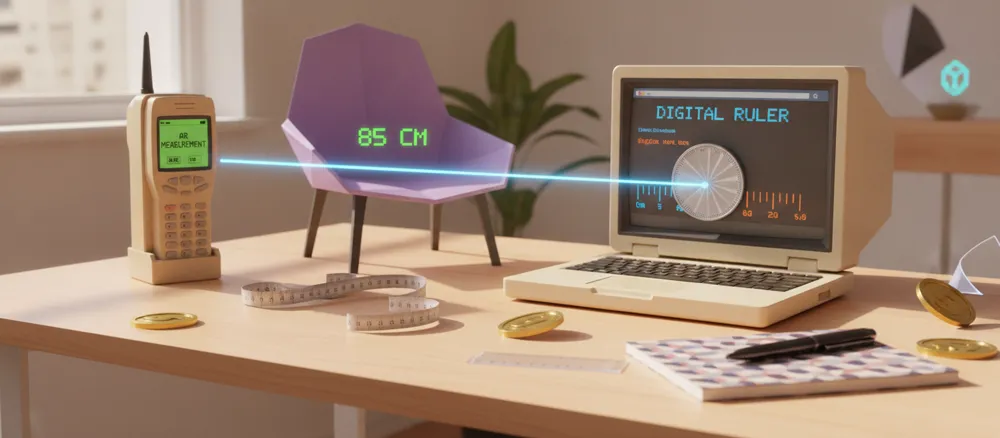
You’re hanging a picture frame and need to know if it fits the empty spot on your wall. No ruler in sight. You glance at your phone sitting on the table and wonder – can this thing actually measure stuff? It sounds like a strange question, but the answer is yes, and the way it works is more interesting than you’d think.
Table of Contents
Your Phone Camera Can Work Like a Tiny Measuring Tape
Most phones made in the last few years come with a hidden talent: they can measure real-world objects using nothing but the camera. Apps like Apple’s Measure or Google’s Measure app use something called augmented reality. In simple words, the phone looks at the world through its camera, figures out how far away things are, and places digital markers on the screen that match real distances.
To use it, you usually point your camera at an object, tap on one end, then drag a line to the other end. The app tells you the length in inches or centimeters. It feels almost like magic, but it’s really just clever use of the camera and motion sensors working together.
Why These Measurements Are Sometimes a Bit Off
Here’s the honest part – camera-based measuring isn’t perfect. If the room is too dark, or the object has a shiny or plain surface with no texture, the phone can struggle to tell distances apart. Moving your hand too fast while measuring can also throw off the reading. So while it’s great for a rough idea, like checking if a couch will fit through a doorway, it’s not something you’d want to rely on for cutting wood or fitting a window frame.
Turning Your Screen Into an Actual Ruler
There’s another way phones and laptops can measure things, and it doesn’t need a camera at all. Since every screen has a fixed number of pixels, a website or app can draw a ruler on the screen that matches real-world inches or centimeters. You place a small object, like a coin, a screw, or a SIM card, right against the screen, and read off the size.
This is where a tool like onlineruler comes in handy. You just open it in your browser on your phone or laptop, and it shows you a ruler you can use right away, no app download needed. It’s especially useful for measuring flat, small items where a camera-based app would be overkill, or when you simply don’t have a physical ruler nearby. Since it runs in the browser, it works the same way whether you’re on a phone, a tablet, or a laptop screen.
The Measuring Apps Already Sitting on Your Phone
If you own an iPhone, there’s a good chance the Measure app is already installed – you’ll find it in your app drawer without needing to download anything. Android users get a similar app called Measure from Google, though it may need to be installed from the Play Store depending on the phone brand. These apps can usually do more than just length. Some can check the height of a person, measure a rectangle’s area, or even act as a simple level to see if a shelf is straight.
What About Laptops – Can They Measure Anything?
Laptops don’t usually have the depth sensors or advanced cameras that phones use for AR measuring, so camera-based measuring apps are rare on laptops. But screen-based rulers work just as well on a laptop as they do on a phone, since they only depend on the screen’s pixel size, not the camera. This makes browser tools a more reliable option if you’re sitting at your desk and need a quick measurement without reaching for a drawer.
Getting a More Accurate Reading
A few small habits make a real difference:
- Hold your phone steady and measure in good lighting when using a camera-based app.
- For screen rulers, check that your screen is set to its normal zoom level, since browser zoom can throw off the scale.
- If the measurement really matters, like for a repair job or a delivery box, double check with a real ruler or tape measure before making a final decision.
- Keep your phone’s software updated, since measuring apps often get small accuracy improvements over time.
So, Should You Trust Your Phone or Laptop for Measuring?
For everyday situations, yes, absolutely. Checking if a package will fit in a drawer, seeing how big a phone case should be, or figuring out if that new rug matches your room size – your phone and laptop can handle all of this without any extra tools. Just remember that for jobs where being off by a few millimeters actually matters, it’s worth confirming with a physical ruler. The tools on your phone and laptop are there to save you a trip to find a tape measure, not to replace one completely.